
About this tool
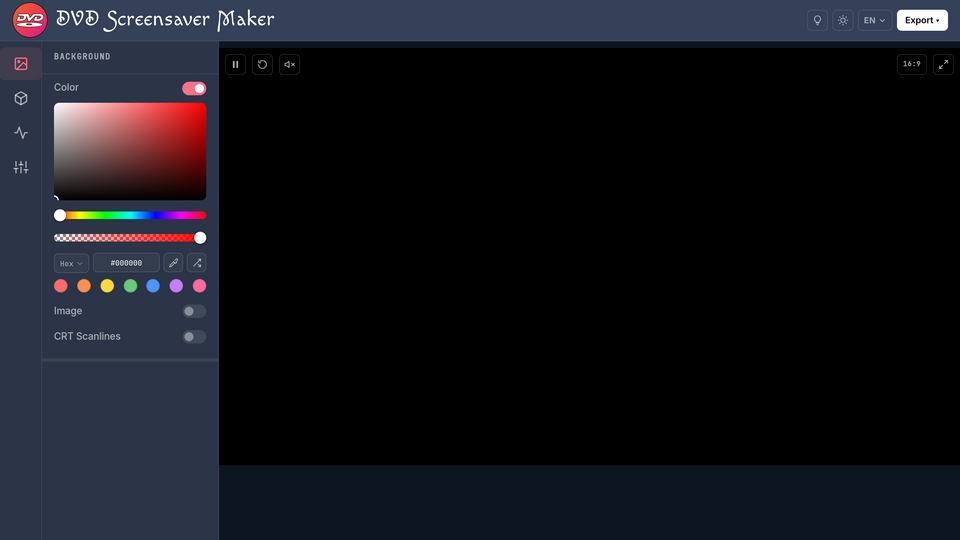
DVD Screensaver Maker is a free online screensaver simulator that recreates the iconic bouncing DVD logo from the late 1990s. It takes user-uploaded images (PNG, JPG, WebP, GIF, SVG) or custom text and animates them bouncing off the edges of a virtual screen. The tool runs entirely in the browser using HTML5 Canvas, processing all data locally without server uploads.
# Key Features
- Custom image upload — PNG, JPG, WebP, GIF, and SVG supported; replace the default DVD logo with any image.
- Multiple export formats — animated GIF, MP4 (H.264), WebM (VP8/VP9), or a self-contained HTML file that loops offline.
- Adjustable parameters — speed, logo scale, color cycling (rainbow neon, solid, or none), background (solid black, custom color, or transparent), and aspect ratio (16:9, 9:16, 1:1).
- Multi-logo support — duplicate the logo or text up to 10 times, each bouncing and colliding independently.
- Transparent background export — WebM or HTML with a transparent background for OBS overlays or live wallpapers.
- Sound effects — toggle bounce sound effects on or off.
No account or sign-up required — every feature is free with no watermarks on exports.
# Use cases
- Stream overlays: Export a transparent WebM, or use the live browser tab as an OBS Browser Source, for a real-time bouncing logo during breaks or intros.
- Digital signage: Save as HTML for a standalone, offline sccreen with a browser — ideal for reception areas or trade showbooths.
- Social media memes: Capture a corner-hit moment as a GIF at, or Twitter.
- Nostalgia: A customizable, free recreation of the classic 2000s screensaver, for anyone who just misses it.
# How does it work?
Open the site — the default DVD logo starts bouncing immediately. Click "Upload Image" to swap in your own file, or type custom text instead. Adjust speed, scale, color cycling, and background in the control panel, then 4, WebM, or Save as HTML. The file downloads straight to yourdevice.
# Pricing
Completely free — no subscription, no account, no watermarks. All export formats are available at no cost.
# Pros and cons
- Pro: Runs entirely in the browser with no install and no data upload; privacy-respecting by design.
- Pro: A unique offline HTML export alongside standard GIF/M
- Con: GIF export can produce large files for long durations (compression is limited to a quality slider).
- Con: No mobile app; needs a browser with enough memory for
# FAQ
# Is DVD Screensaver Maker really free?
Yes — 100% free, no paywalls, no limits, no watermarks, no account required.
# Can I use my own logo instead of the DVD logo?
Yes. Click "Upload Image" and choose any PNG, JPG, WebP, GIF, orfault logo and starts bouncing immediately.
# How long can my exported video be?
No hard limit, but GIFs over ~10 seconds can get large and strain browser memory. MP4 and WebM handle much longer recordings efficiently.
# Does it work on smart TVs like Sony or Samsung?
Yes. The offline HTML export runs on any device with a browser, layed via USB, Chromecast, AirPlay, or HDMI.
# Can I increase the chances of the logo hitting the corner?
Yes — adjusting speed and scale changes how often it hits the corner. A color change and optional sound effect trigger on each hit, so you can capture the moment as a GIF or video.
Related tools





Submit your Tool
Publish your website on Twelve.Tools and get a DR 83 dofollow backlink to boost your SEO
Submit Now