
About this tool
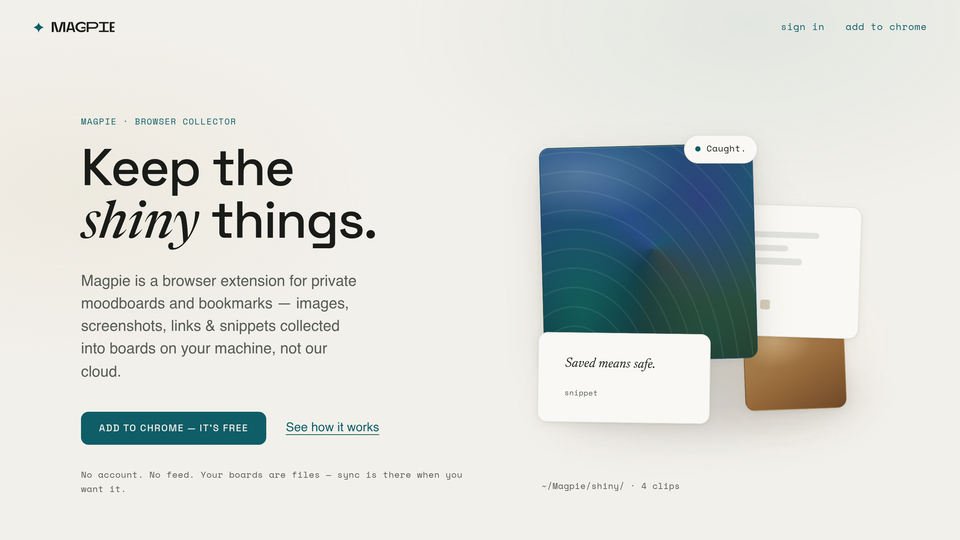
Magpie is a quiet side panel for Chrome that collects images, screenshots, links and text snippets into private boards - on your machine, not our cloud. Most save-for-later apps become feeds to scroll; Magpie opens when you see something worth keeping and disappears when you're done. No feed, no ads, no account needed.
Catch fast: right-click any image, selection or page; screenshot-clip a region; grab several images in one pass; paste or drag files in; catch whole posts on X and Instagram with author, caption, date and link intact.
Find them again: boards, tags, notes and search - including by color. Palettes are read locally with plain math, so "dark green" or a hex code works, and any board sorts into a rainbow. The optional AI helper - off by default; your own key, or zero-setup on paid plans - titles captures, reads the text inside screenshots, suggests tags and matches searches by meaning.
Private, verifiably: no telemetry, no host permissions at install. Mirror boards to plain files on disk, export everything as a zip, or turn a board into a single-file moodboard page - uninstall and your files remain.
The free product is the whole collector, forever. Plus ($5.99/mo · $59/yr, 14-day trial) adds sync, the web app at magpie.ee (installable on Android), managed AI and ~15,000 clips of room (10 GB); Pro ($12.99/mo · $129/yr) is 10×. Cancel anytime - every file stays on your machine.
Related tools






Submit your Tool
Publish your website on Twelve.Tools and get a DR 83 dofollow backlink to boost your SEO
Submit Now