
About this tool
Activity Monitor tells you something is using your memory. It doesn't tell you it's yesterday's simulator.
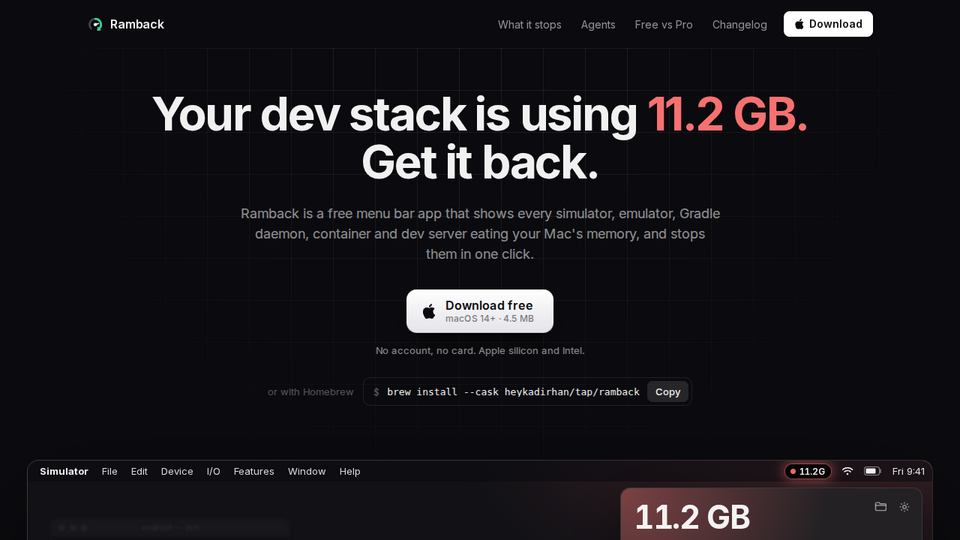
Ramback lives in the menu bar and lists your dev stack as things, not processes: iOS simulators (Xcode Previews too), Android emulators, Gradle and Kotlin daemons, Docker, OrbStack and Colima containers, Metro and other bundlers, dev servers, tunnels, local databases, and AI agents with the servers they started. Each row shows its RAM, who started it and how long it has been idle.
Stop one, or everything at once with Clean slate. Each thing stops the way its own tool would: simctl shutdown, adb emu kill, docker stop, or SIGTERM to the process tree. Databases stop only after you confirm; pinned rows and builds are skipped.
Free, with no account. Pro, $19 once, adds memory pressure warnings, rules with Undo and disk cleanup.
Related tools






Submit your Tool
Publish your website on Twelve.Tools and get a DR 83 dofollow backlink to boost your SEO
Submit Now