
About this tool
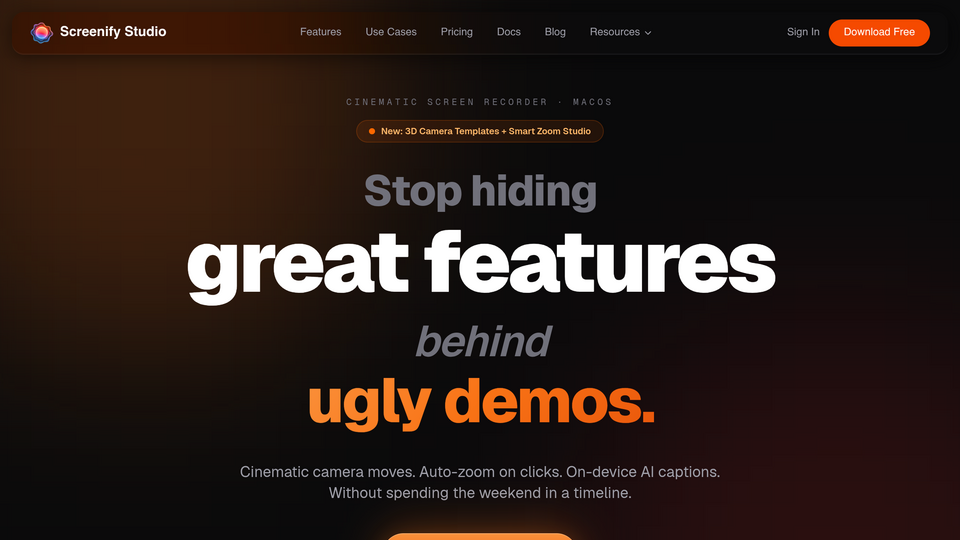
Screenify Studio turns rough screen recordings into polished product demos on Mac — without the editing tax. Recording your screen takes five minutes; making it actually look good usually takes forty-five. Screenify closes that gap, so your demo looks as good as the product behind it.
What makes it different is that it meets you wherever you are: let an AI record and direct the whole demo for you, shape every frame by hand in a deep editor, or drive the entire pipeline from the command line with an AI agent. Casual creators, control-obsessed power users, and AI-first builders all end up with a finished, launch-ready video.
RECORDING
- Capture your full screen, a single window, or a custom region — plus iOS Simulator and connected devices.
- Multi-clip recording: record in several takes, append them into one project, and insert clips at the start or end of the timeline — Screenify picks up the same source you used before, even across Spaces.
- Record system audio and microphone in one pass, with no virtual audio drivers.
- Webcam overlay, and a floating Speaker Notes teleprompter that never appears in the recording.
A POWERFUL EDITOR (full control for heavy users)
- A multi-track timeline: screen, webcam, audio, captions, callouts, annotations, music, zoom keyframes, and device motion.
- Manual zoom keyframes, six camera angles with pitch and yaw, and real lens controls — focal length compresses the background, aperture blurs it.
- Per-clip camera, cursor, and audio you can show, hide, or mute independently.
- Per-segment motion presets and transitions; Smart Timeline collapses inactive tracks; multi-select to move or delete many clips at once.
AI THAT DOES THE WORK FOR YOU
- Smart Auto-Zoom follows your cursor and clicks automatically.
- Point Screenify at any URL, describe the demo in plain English, and an AI drives a real browser to record it — then directs cinematic effects (3D camera moves, spotlights, blur-to-hide, callouts) on the moments that matter.
- Record pages behind a login; export MP4, GIF, or MOV with one-tap sizing for YouTube, TikTok, and Reels.
PHOTOREAL 3D DEVICE STAGES
- Drop any recording into a photoreal 3D MacBook, iPhone, or iPad with authentic finishes — the frame follows your zoom and camera moves.
- Stage it on photographic environments and real desk surfaces, with an Apple-grade menu bar overlay.
CINEMATIC MOTION AND CURSOR
- 30+ hand-crafted camera motions, each tunable for distance, speed, and reach.
- Cursor Studio: a recolorable or glossy 3D cursor, a click sound, and natural tilt.
ON-DEVICE AI, NOTHING UPLOADED
- Captions (Whisper), background removal (Apple Vision), and silence detection all run locally on Apple Silicon.
- Recordings of pre-release features, internal tools, or customer data never leave your Mac.
A COMMAND LINE BUILT FOR AI WORKFLOWS
- Every command speaks JSON, with a self-describing manifest so agents always know what is available.
- Ships a Claude Code skill, so an AI assistant can record and produce a finished demo end to end — and any agent or script works too. Capture UI demos in CI, or attach a repro video to every bug report.
EXPORT
- Up to 4K with Metal GPU acceleration; MP4, GIF, and MOV.
Great for product demos and launch videos, developer demos and bug repros, online courses, social clips, sales collateral, and support replies.
Built for indie hackers, technical founders, and small product and marketing teams — whether you want a polished demo in one click, full manual control over every frame, or an AI agent that does it all from the terminal.
macOS 13 (Ventura) or later, Apple Silicon. Free to start; Pro from $9/mo or $149 lifetime.
Related tools






Submit your Tool
Publish your website on Twelve.Tools and get a DR 83 dofollow backlink to boost your SEO
Submit Now